
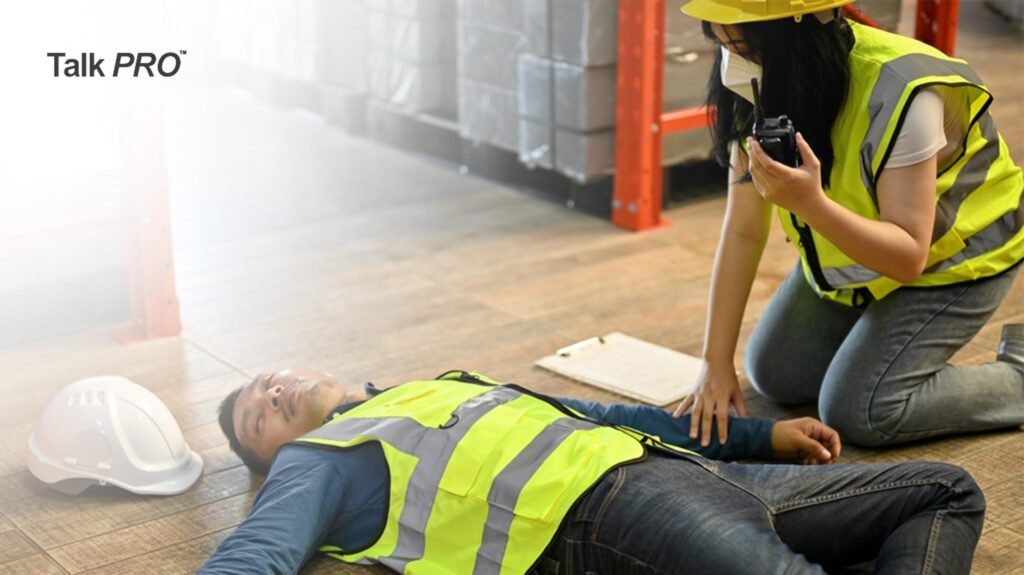
In times of crisis, clear and effective communication is crucial. Whether you’re dealing with a natural disaster, an outdoor adventure gone awry, or a large-scale event, walkie-talkies can be your lifeline. Unlike cell phones, walkie-talkies don’t rely on cell towers or internet connections, making them incredibly reliable for immediate and direct communication. This guide will walk you through everything you need to know about using walkie-talkies in emergencies, ensuring you and your team stay connected when it matters most.
Understanding Your Walkie-Talkie
Basic Features and Controls
Before diving into emergency-specific usage, it’s essential to familiarise yourself with the basic controls of your walkie-talkie. Most models come with the following features:
- Power Button: This button turns the device on and off. Ensure the walkie-talkie is powered on before use and turn it off to conserve battery when not needed.
- Volume Control: Adjusts the sound level to suit your environment. Set it high enough to hear incoming messages clearly, but not so loud that it causes discomfort or is heard by unintended recipients.
- Channel Selector: Allows you to choose different communication channels. Each channel can be used to avoid interference or to switch to a specific frequency for emergency use.
- Push-to-Talk (PTT) Button: Activates the transmitter so you can speak. Hold this button while speaking and release it to listen to responses.
- Display Screen: Shows channel numbers, battery levels, and other settings. Monitor this screen to ensure you’re on the correct channel and have sufficient battery life.
